
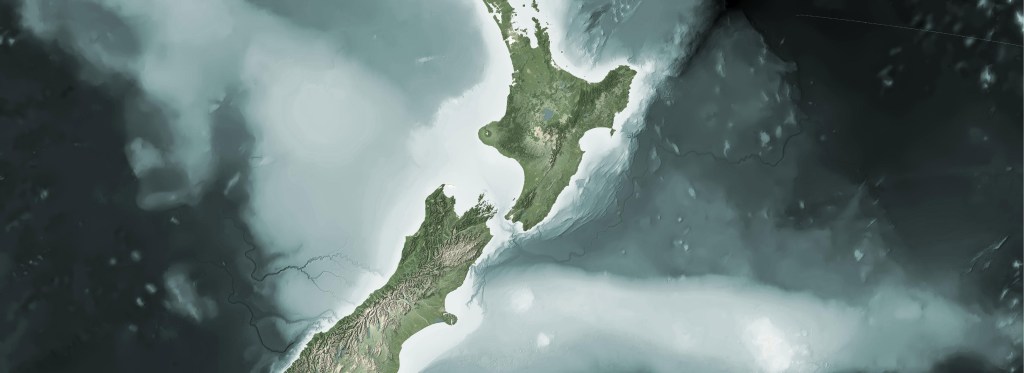
I try hard to keep this blog about basic open source processing in GIS. I don’t spend much time talking about my cartographic work, since I like put it up in the gallery and try to let it speak for itself. Further, 90% of my cartographic products involve processing data before it ever gets to visualization, therefore, I see more value in demonstrating the basic processing and hopefully inspire folks to do their own thing once their data is in place.
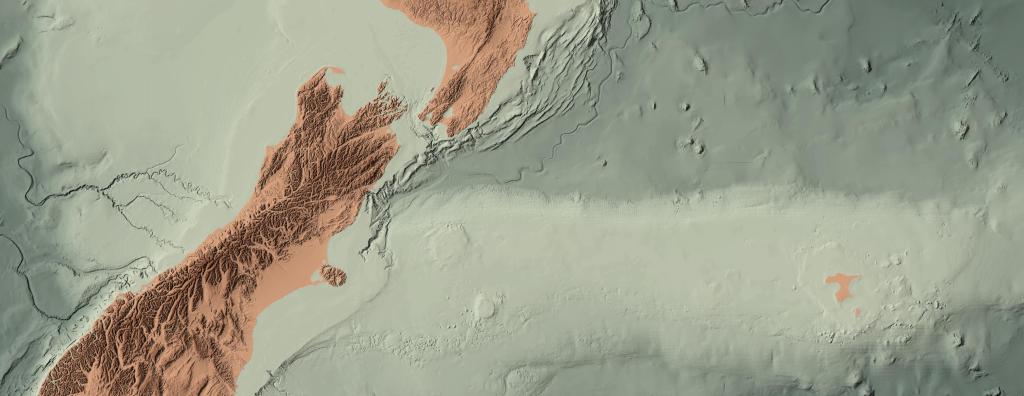
If you might indulge me; however, I’d love to toot my own horn as they say and do a write up on my acceptance to the Atlas of Design this year and the honor to do a brief interview with Radio New Zealand (RNZ) about the map.
I know it is a bit cheeky to put up recognition of one’s own work, but this map was the culmination of several years of iterations, heaps of footwork getting it known, and a number of rejections along the way. I’m just so excited to finally get it out there to a wider audience.
Since this is primarily an open source blog about GIS, and that several have asked me about my tech stack I’ll share a portion of it here. If you want to get a feel of some of my blending techniques, you can see some past blogs where I wrote this up.
As I mentioned above, that vast majority of my cartography is in data prep and making data easier to work in visualization projects. I have a fairly simple tech stack for data prep.
- QGIS – Base map layout. My method is most often to develop the base image here, but do all the post processing for legends, supporting text, graphics, etc in specialized layout software. QGIS is amazing at handling large file types, blending, and making repeatable color palettes. Doing work at a national and world scale is often without issue.
- GDAL – Most used in the stack for prepping large scale raster data. Used more than anything else in GDAL for my vis work is gdalwarp, gdal_translate, gdaladdo, gdalbuildvrt, and gdaldem [hillshade, slope]. These are often used in bash scripts to repeat processes allowing me to easily develop multiple resolutions, scales, and resamples.
- GeoPandas – Used for vectors and primarily for my cleaning to get lighter GPKG files, automating redundant processes like clips, simplification, and table manipulation. It is an amazing tool I use a lot in development too.
- Python/Bash – Used for controlling all the automation and processing. Depending on the complexity of the task at hand, I will bounce between the two. Bash is really great at multi-core processing and can save enormous amounts of time in redundant processes.
- Colorhexa /Gpick – Palette development. Gpick is incredibly helpful in sampling imagery to find a color value you like. You can bring these values into Colorhexa and start to develop gradients and divergent values all the while keeping within your tone. There are many other sites that will help you do this, I just happen to enjoy this one.
- Docker – An unlikely item in a cartographic stack, but Docker has proved invaluable to me by allowing me to run multiple versions of QGIS and GDAL without wrecking my machine. I have a basic QGIS/Docker example here.
For those out there who have supported me on this journey and even those who lurk in the shadows, I cannot thank you enough for reading, liking, and sending me messages letting me know you are out there and find some of this useful. It helps more than you know and motivates me to continue to move forward. Also, tell all your friends!




 XYCarto
